Smart Home Security: Protecting Your Connected Life
As we fill our homes with cameras, speakers, and sensors, we open new digital doors. Here is how to lock them.
Critical Steps
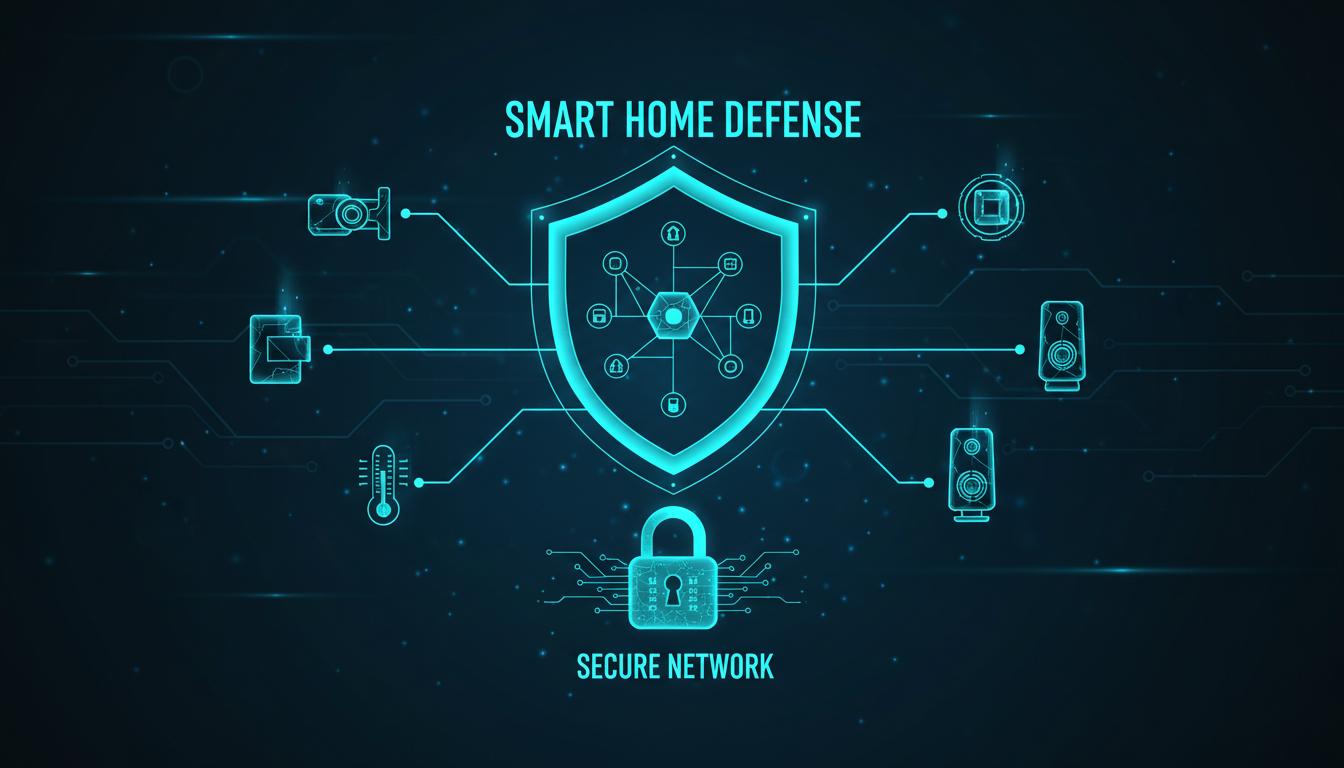
- Network segmentation is your first line of defense.
- Change default passwords immediately (no exceptions).
- Enable 2FA on every account linked to your home.
The convenience of unlocking your door with your phone or checking your living room camera from halfway across the world is undeniable. But this convenience comes with a trade-off: increased attack surface.
The 'Guest Network' Trick
Most modern routers allow you to create a "Guest Network." Use it. But not for guests. Put all your IoT devices (light bulbs, fridges, vacuums) on this guest network. This isolates them from your main network where your laptops and phones (with sensitive banking data) live. If a cheap smart bulb gets hacked, the attacker is trapped in the guest network sandbox.
Camera Hygiene
Indoor cameras are the most sensitive devices. My golden rule: treat them as if they are public. Do not point them at private areas like bedrooms or bathrooms. Enable hardware shutters when you are home. And verify that your footage is end-to-end encrypted (E2EE) so even the manufacturer can't view it.
Update or Replace
Firmware updates patch security holes. Enable auto-updates on everything. If a device is no longer supported by the manufacturer (End of Life), disconnect it immediately. An unpatched smart plug is an open window for a digital burglar.